









Building an AI Writing Experience for Writer with Claude
AI-powered browser writing assistant
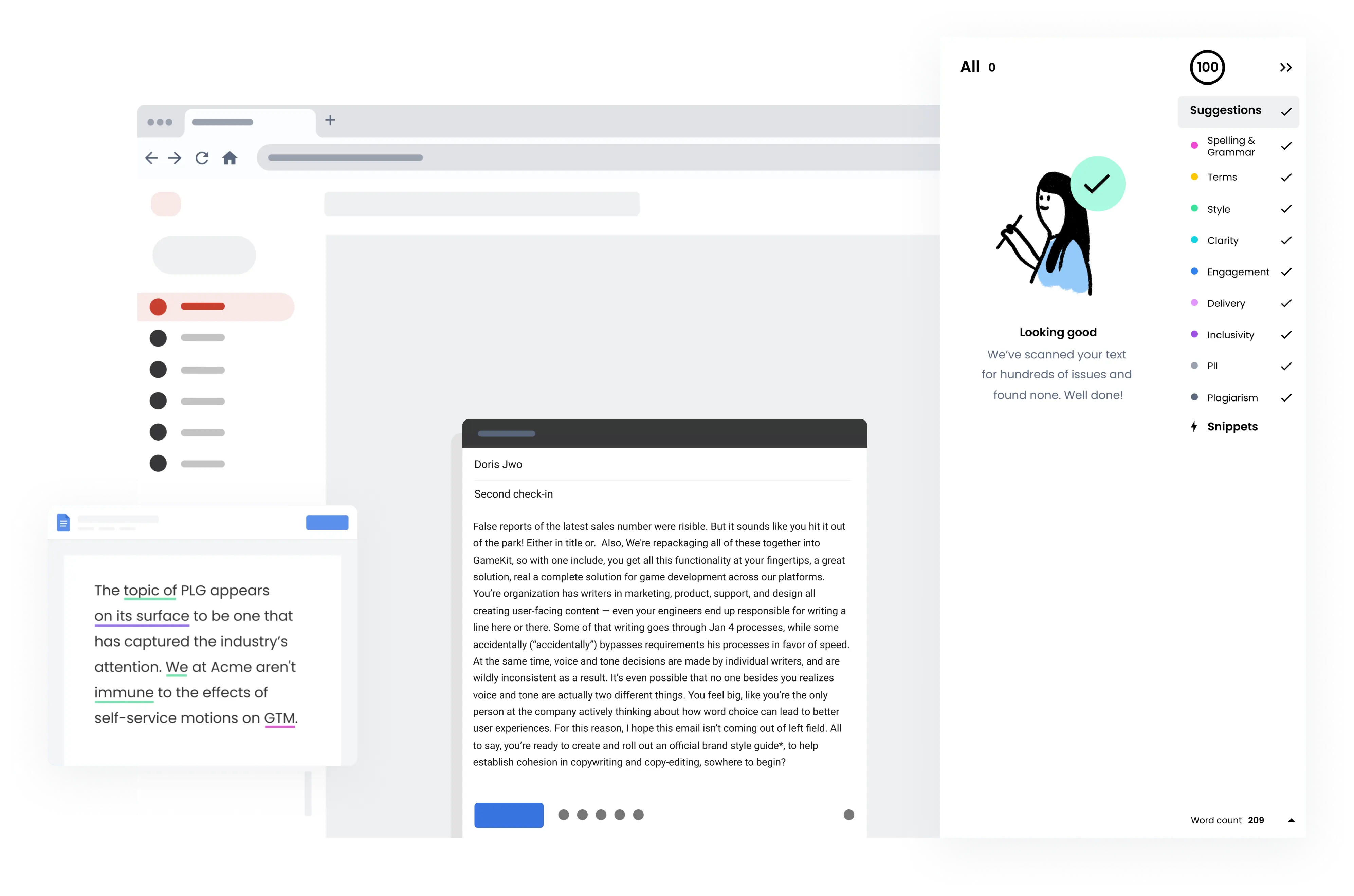
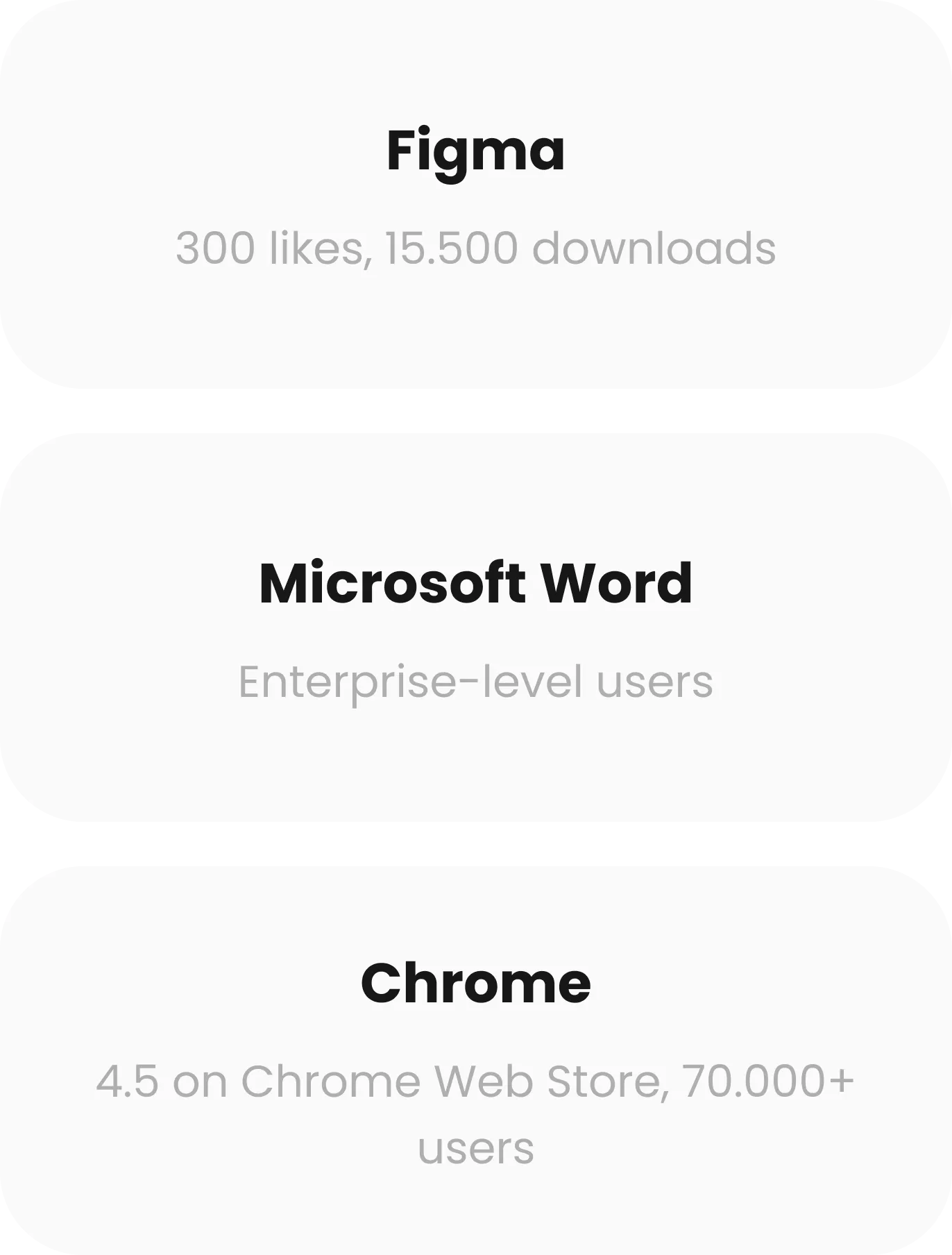
Writer and Yellow deployed a Claude-powered browser experience that brings AI-assisted writing directly into enterprise workflows, reaching 70,000+ Chrome users.
42% Faster Content-review Workflow
Average content-review time decreased from 17 minutes to 12 minutes per document, enabling users to complete reviews about 42% faster.
6.5 Hours Saved
Employees reduced repetitive writing and review work from 15 hours to 8.5 hours per month, saving 6.5 hours per employee.
2.3× Faster Draft Generation
Average compliant first-draft creation decreased from 23 minutes to 10 minutes, making draft generation 2.3× faster.
35% Reduction in Manual Content-Editing Time
Manual content-editing time decreased from 20 minutes to 13 minutes per document, a 35% reduction.
About
Project Idea
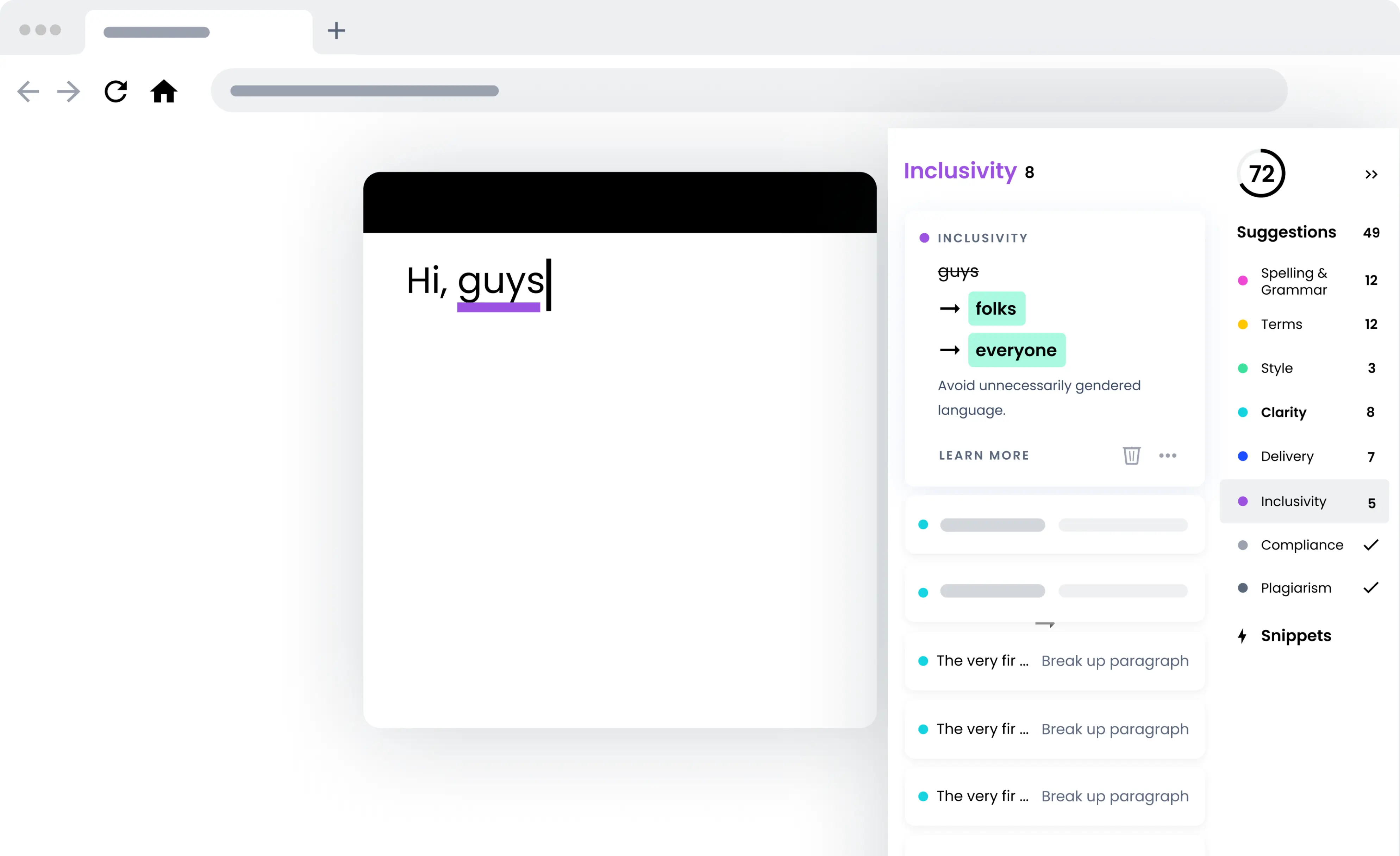
Yellow worked with Writer to develop the browser experience, solve complex integrations with dynamic editors such as Google Docs, and build the frontend infrastructure. The solution also needed to maintain performance while continuously analyzing and updating content as users edited text.
The client had
- An existing Writer platform
- Writing workflows
- Existing language and writing capabilities
- Backend
Yellow delivered
- Chrome extension development
- Browser-side AI experience
- Claude integration
Tech Stack
AI Engineering
Claude Sonnet
Claude Code
Frontend
React.js
TypeScript
Redux
Integrations
Chrome API
Figma API
Google Docs
Development & QA
Webpack
Jest
Storybook
Prettier
ESLint

How Claude is used in production
Context processing
Writer prepares selected text, writing context, and relevant instructions for processing by Claude.
AI reasoning and generation
Claude Sonnet analyzes and transforms the content according to the user's request and Writer's requirements.
Production integration
Yellow built the application layer connecting Claude with Writer's browser experience and complex web editors.
User interaction
Users review and apply Claude-generated output directly within their existing writing workflow.
Challenges and Solutions
How our team coped with a range of development challenges
Solving the Google Docs Challenge
Problem:
One of the most technically demanding parts of the project was supporting Google Docs. Unlike conventional HTML editors, Google Docs uses a significantly more complex rendering architecture. Changes to its implementation required Yellow to continually adapt how the extension identified text, tracked content, and displayed Writer functionality.
Solution:
Yellow engineers used Claude Code to investigate the relevant application logic, explore implementation approaches, accelerate changes across the codebase, and troubleshoot edge cases during this work.
The result was a production integration capable of supporting Writer functionality inside one of the most challenging browser-based writing environments.
Keeping Suggestions Synchronized
Problem:
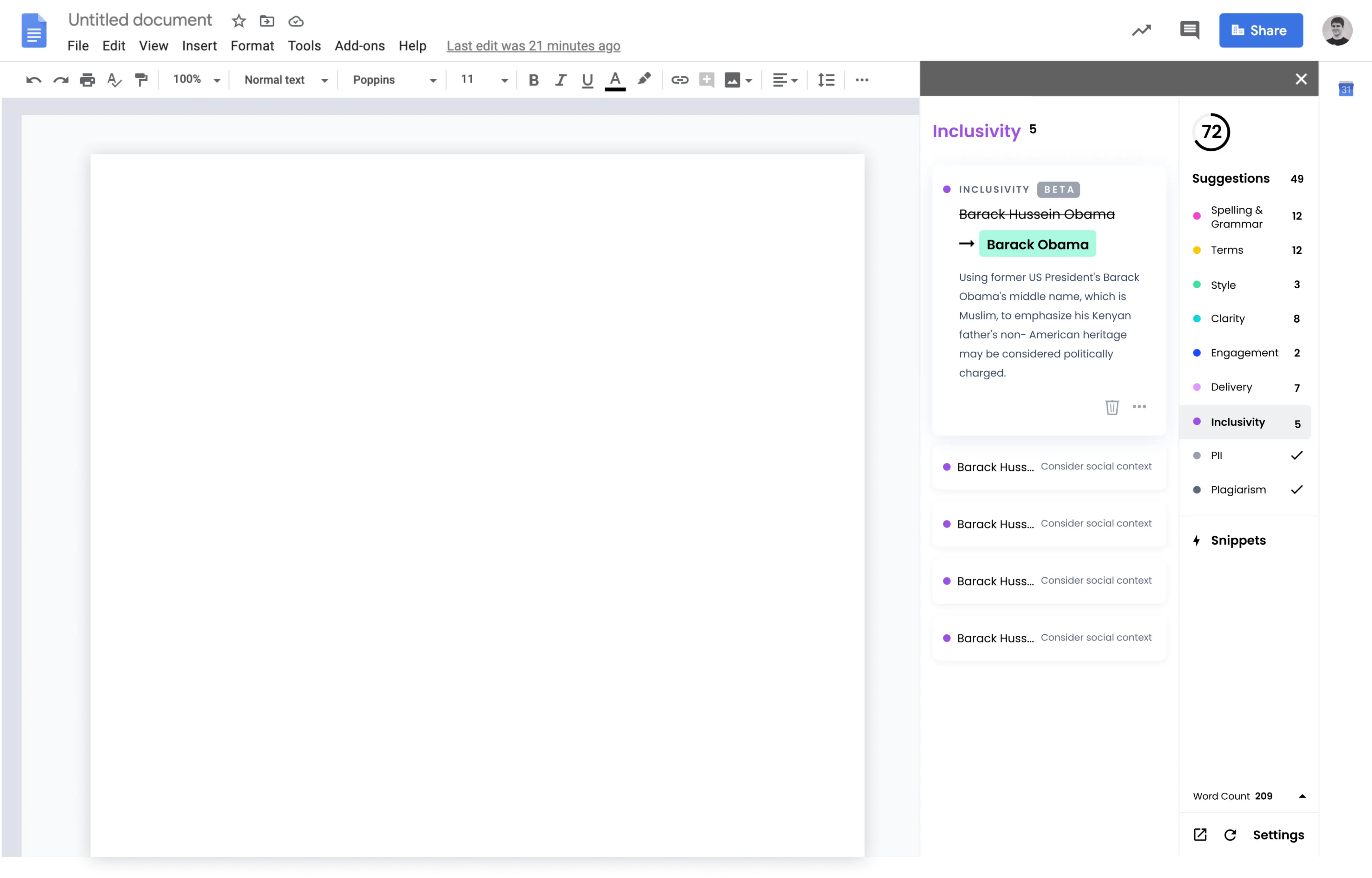
Text positioning changes constantly as a user writes, deletes content, changes formatting, or modifies a document.
Solution:
Yellow developed an algorithm that dynamically recalculates positions so highlighted suggestions remain connected to the correct text.
Claude Code supported our engineers by tracing processing flows, analyzing implementation behavior, generating and modifying code, investigating edge cases, refactoring logic, and creating tests for complex scenarios.
Highlighting
Problem:
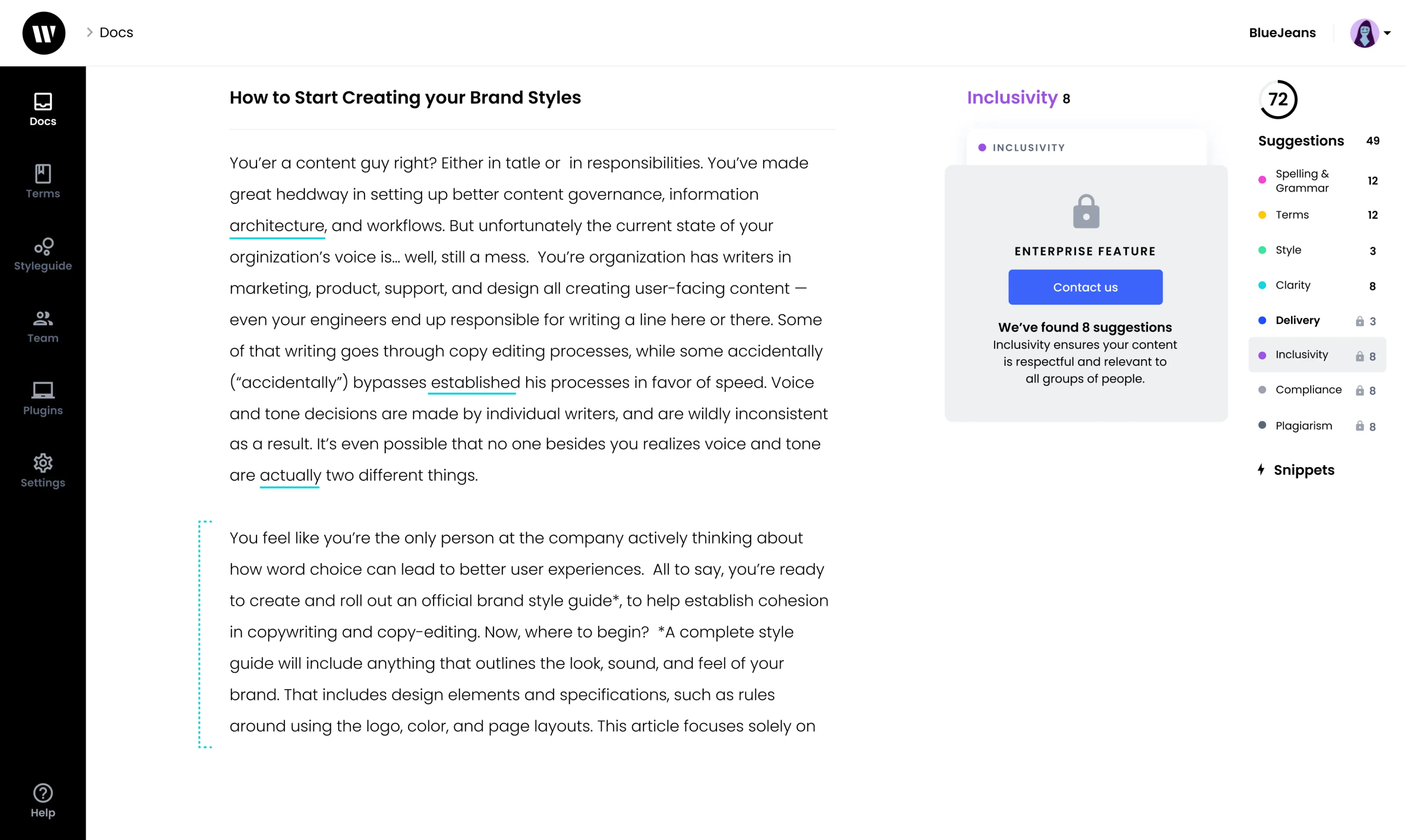
When we were working on the highlighting feature, there were no detailed instructions on how to correctly implement it in the documentation.
Solution:
We studied TypeScript’s definitions for the Figma API and experimented with several options that can potentially work.
How it works
Sign up or log in
Read the instruction
Set up the necessary parameters
Write the text
Polish it with Writer Chrome Extension

Results

monthly cost.